Staff availability sheet
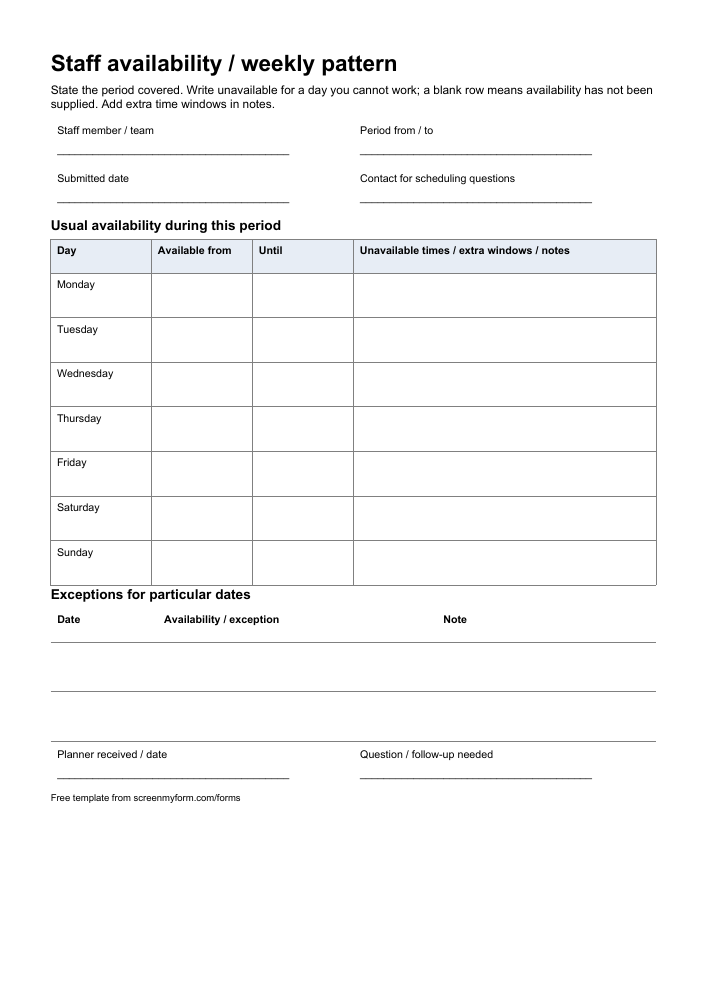
Give the rota planner a clear picture of a colleague’s availability for a stated period.
Use it to collect availability before preparing a team’s working schedule.
Edit the fields and wording, then type your answers or print.
Download PDFPrint and fill in by hand.
Free to use and adapt · 1 page · A4 · No signup
What’s in the form?
- Staff member, team and period covered
- Monday-to-Sunday available time windows
- Unavailable periods and additional windows
- Date-specific exceptions and planner follow-up
Make it your own
Rename the days or notes columns in Word to suit your schedule. State the period covered and use the notes column for a second time window or an unavailable day. List date-specific exceptions separately and confirm the final rota through your normal process.
Tired of mistakes in the forms people send you?
screenmyform.com checks completed Word and PDF forms for missing or unclear answers, then tells people what needs correcting before your team reviews them.